- [Jeri Ellsworth] builds a software radio -
- Frustrating fun with magnetic levitation -
- APOD (Astronomy Picture of the Day) and the Best Astronomy Images -
- Canon EOS 600D Review -
- Canon EOS 1100D Review -
- Why Do You Need 250 60D’s? -
- Building an A Class from Scratch by Mike Connell -
- How to Make a Superlens From Soda Cans -
- Analysis of the Incircle predicate for the Euclidean Voronoi diagram of axes-aligned line segments. (arXiv:1107.5204v1 [cs.CG]) -
- Lets Play Chess -
- Is TJ Tollakson the Graeme Obree of triathlon? -
- All about HeeksCNC post-processing -
- Announcing Git Support for Google Code Project Hosting -
- Space shuttle era ends with Atlantis -
- 2011 Tour de France, Part 2 -
- Google+ -
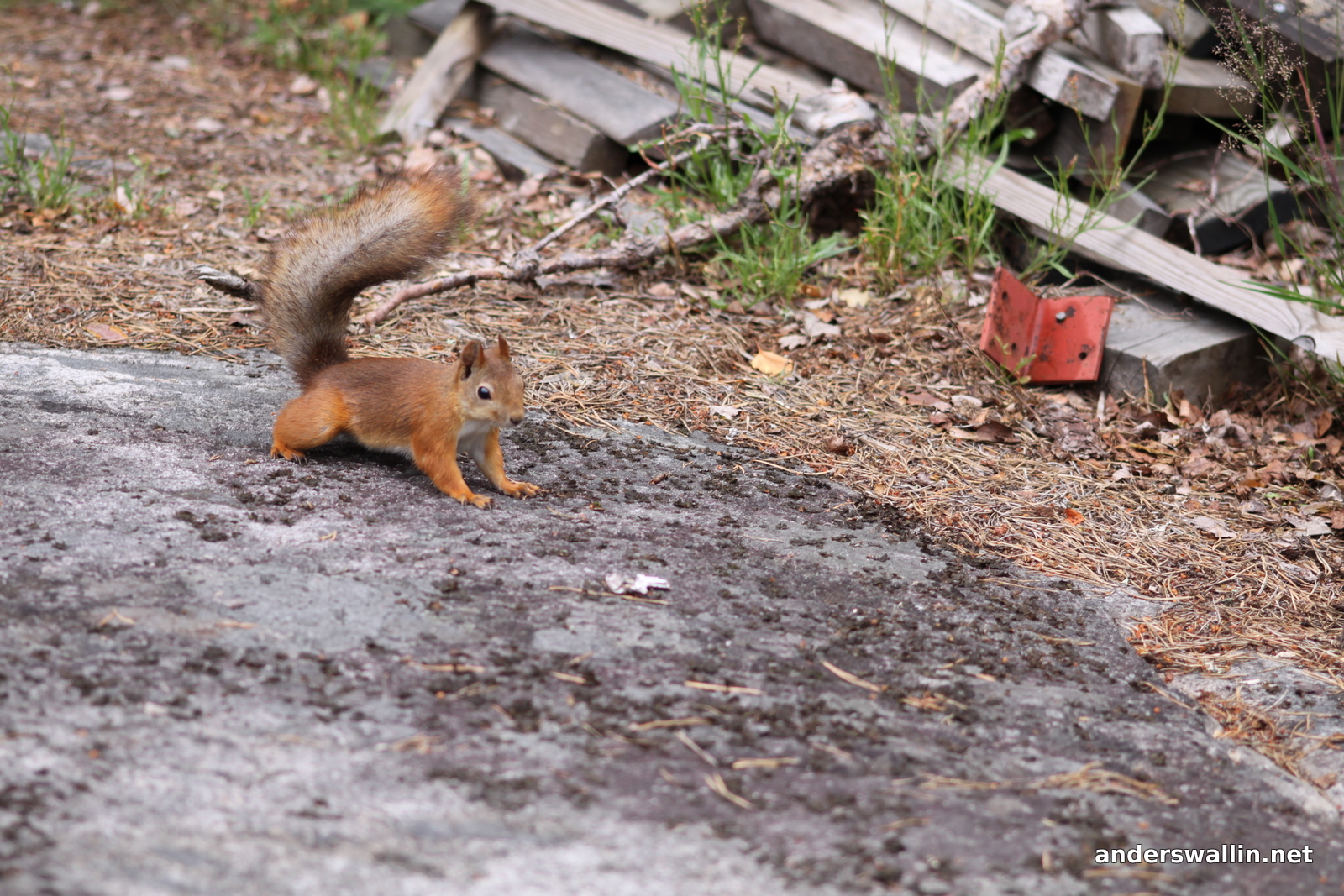
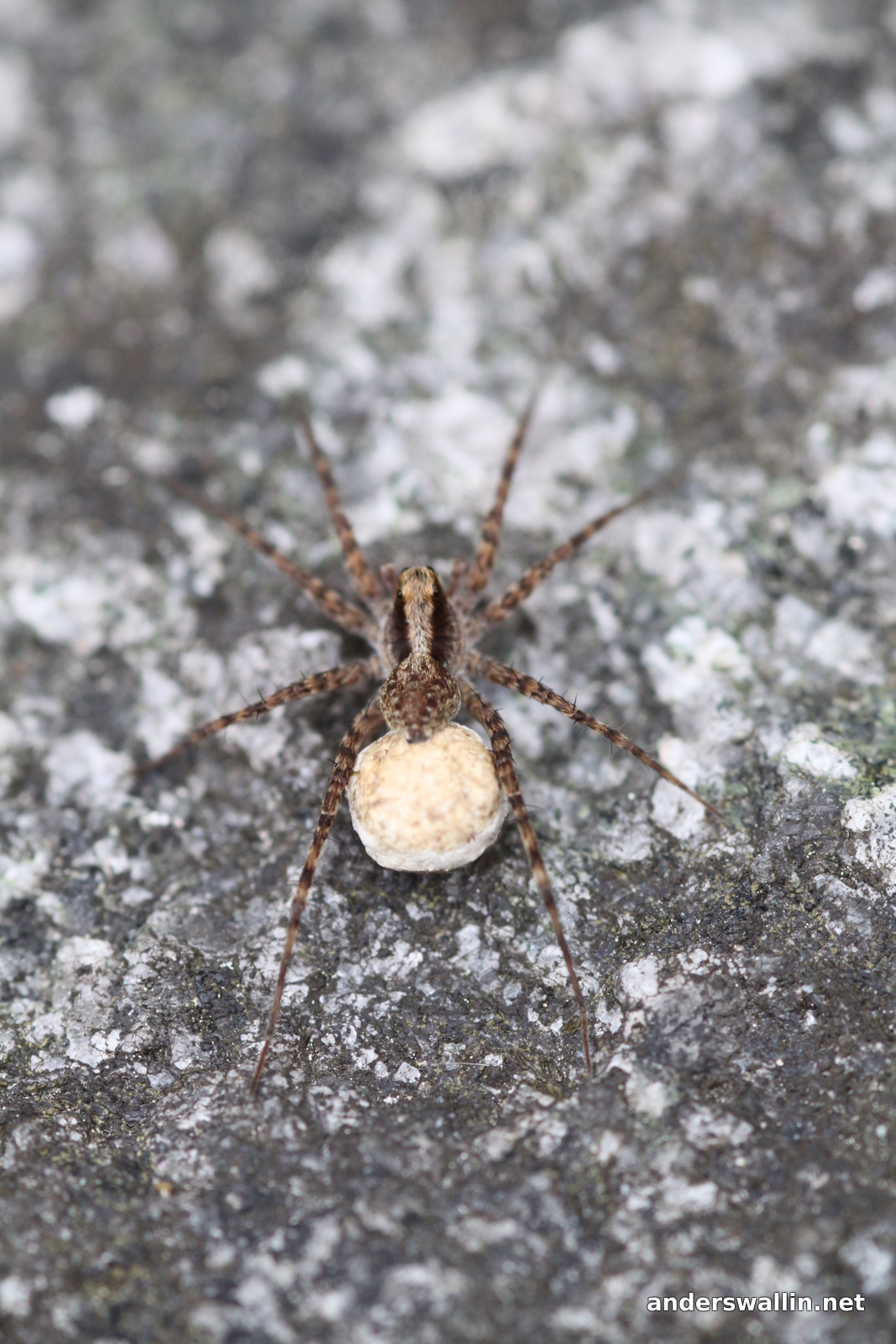
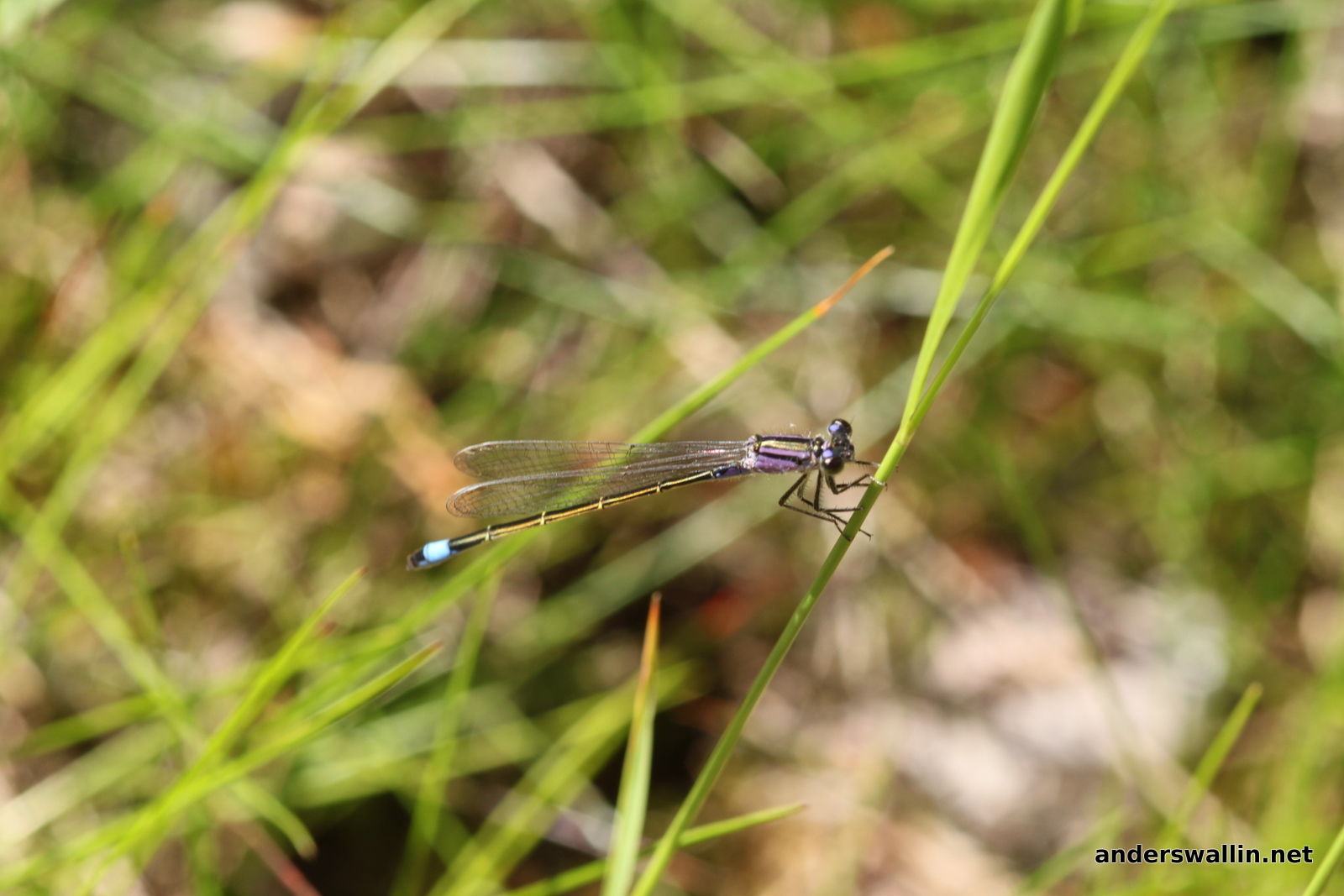
July macro photos
More playing around with the Sigma 105/2.8 macro lens.


Comparing waterlines
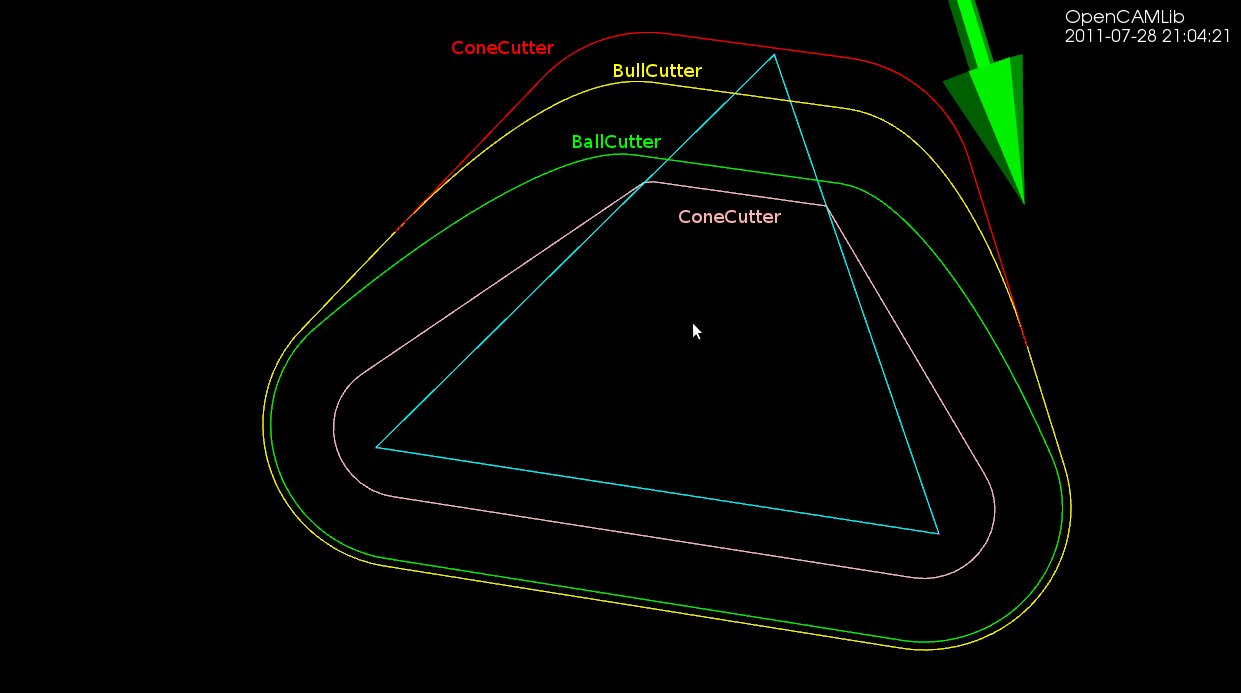
Here's a picture which compares the waterline toolpath for different cutters around a single triangle (cyan). The outermost path (red) is for a cylindrical cutter where we always make contact with either the shaft of the cutter or the circular rim/end of the cutter. Next is the yellow line for the toroidal or BullCutter, followed by the green line for a spherical or BallCutter. The innermost waterline (pink) is for a conical ConeCutter.
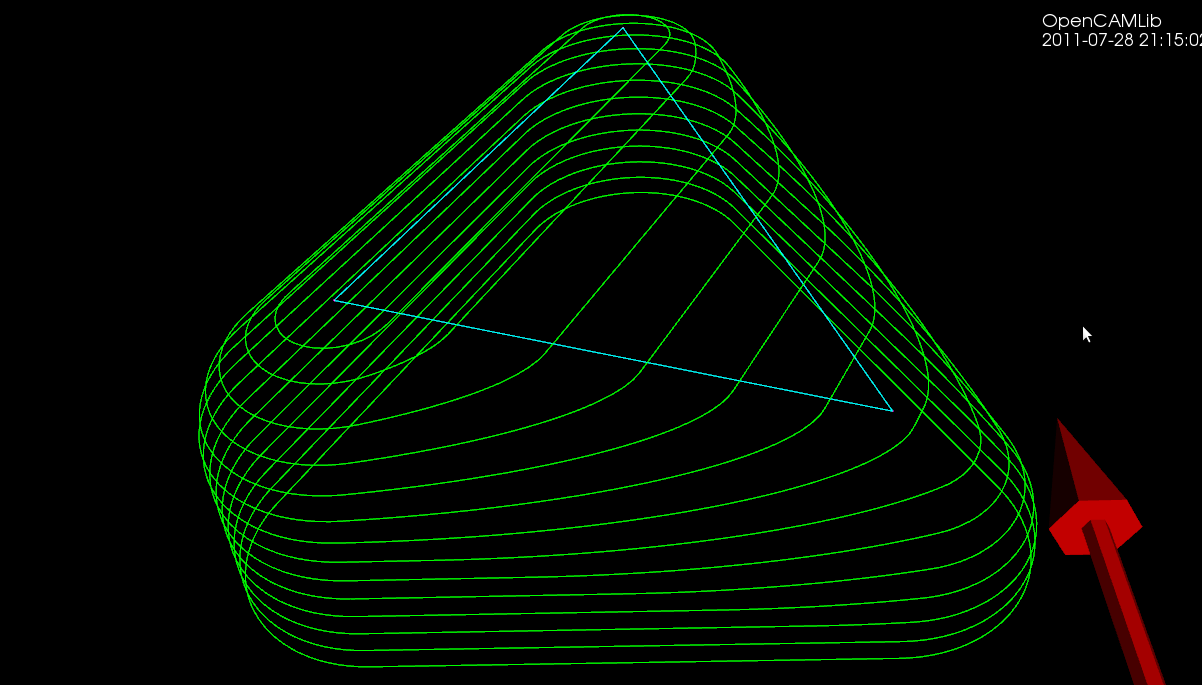
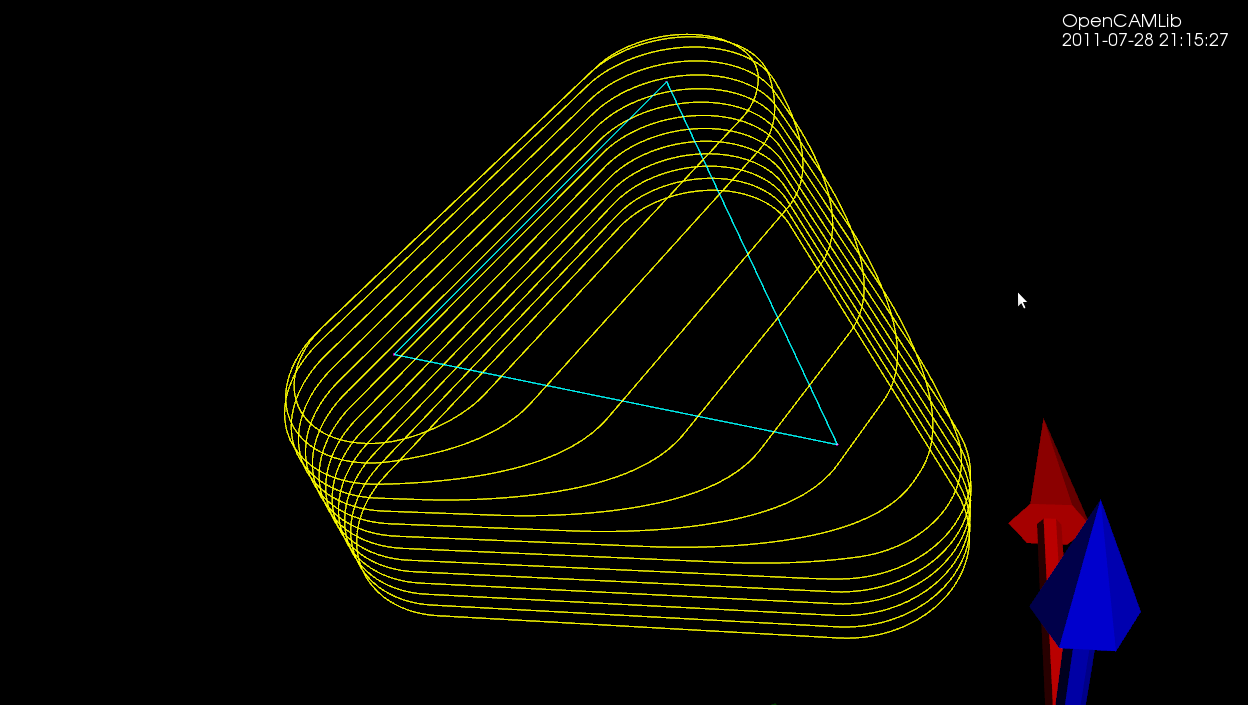
Here are some more waterlines at different heights. This exercise has uncovered at least two new bugs with CylCutter and ConeCutter! The CylCutter seems to fail when asking for a waterline at z=0.0, so that might hint at where the problem is. I'm not sure what is causing the jagged shape with ConeCutter.
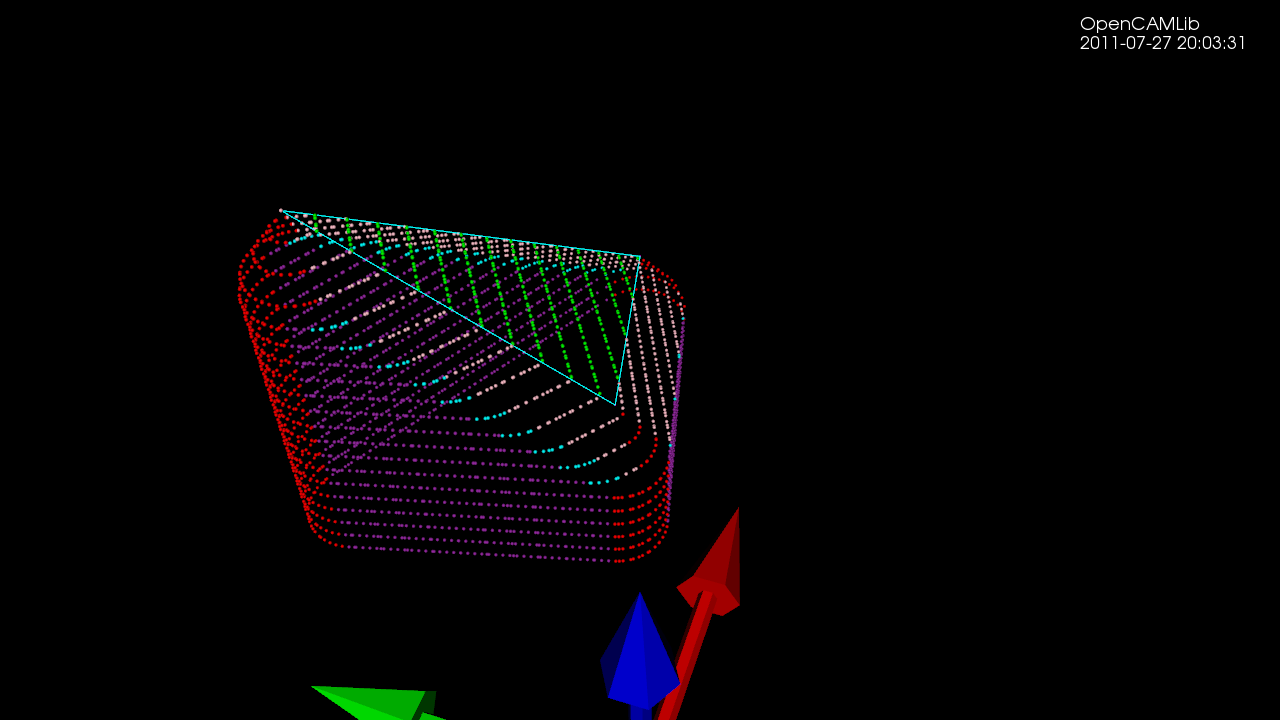
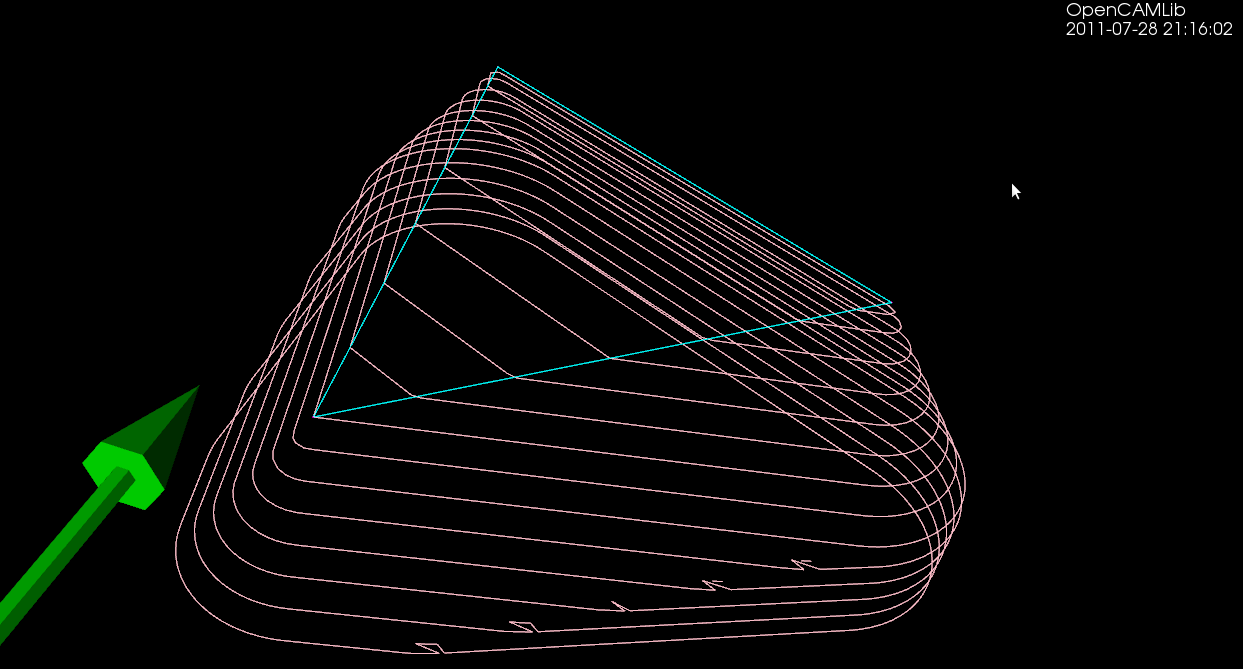
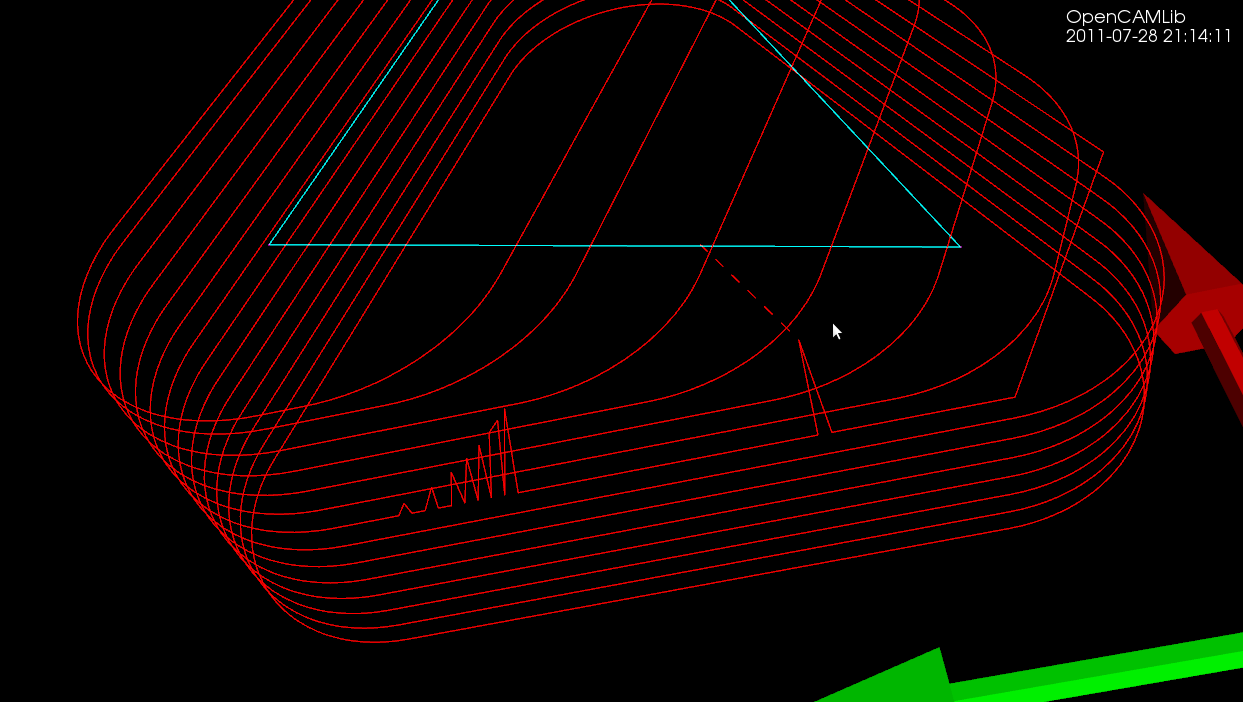
Update: The cl-points for conecutter look right, so there must be something strange going on with the weave??
Cone-cutter waterlines
I'm not sure why it has taken so long to get the push-cutter methods for ConeCutter written. You would think that the cylindrical, spherical, or toroidal cases are at least as hard. Somehow I have just avoided working on the cone-cutter...
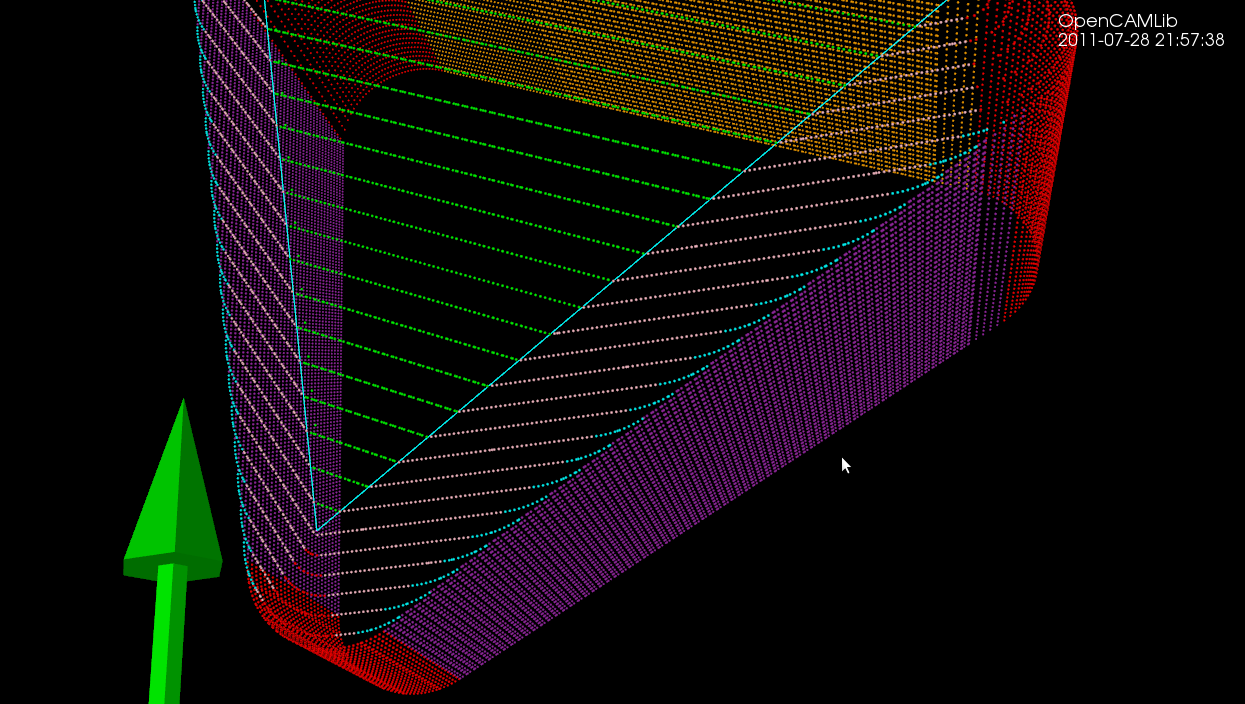
The easy part is as usual contacts between the cutter and the vertices of a triangle - these are shown as red dots. Contact with the facet of the triangle can be made in two ways (1) by the tip of the cone, or (2) by the circular base of the cone, when the facet is steeper than the cone. These are shown in green.
The more involved case is contacts with the edge of the triangle. There are again two cases: We can make contact with the circular base of the cone (cyan dots), or we can make contact with the actual conical part of the cutter (pink dots).
Here is an animation that gives the code a workout. Note how the color of the contact-points changes depending both on what part of the triangle we are making contact with and on what part of the cutter is making the contact.
I have now used github for a while, and will probably merge the conecutter feature-branch into master very soon. Almost as soon as I tried github google-code also started supporting git, but possibly the forking and social aspects of github make a switch worthwhile anyway.
There are some interesting developments on the higher level Waterline/Weave algorithm also, which will reduce the memory-consumption of the algorithm from N*N to N+N (where N is the number of Fibers). This will hopefully make Waterline more useful as now many people have been running out of RAM or just seen sudden crashes. Stay tuned...
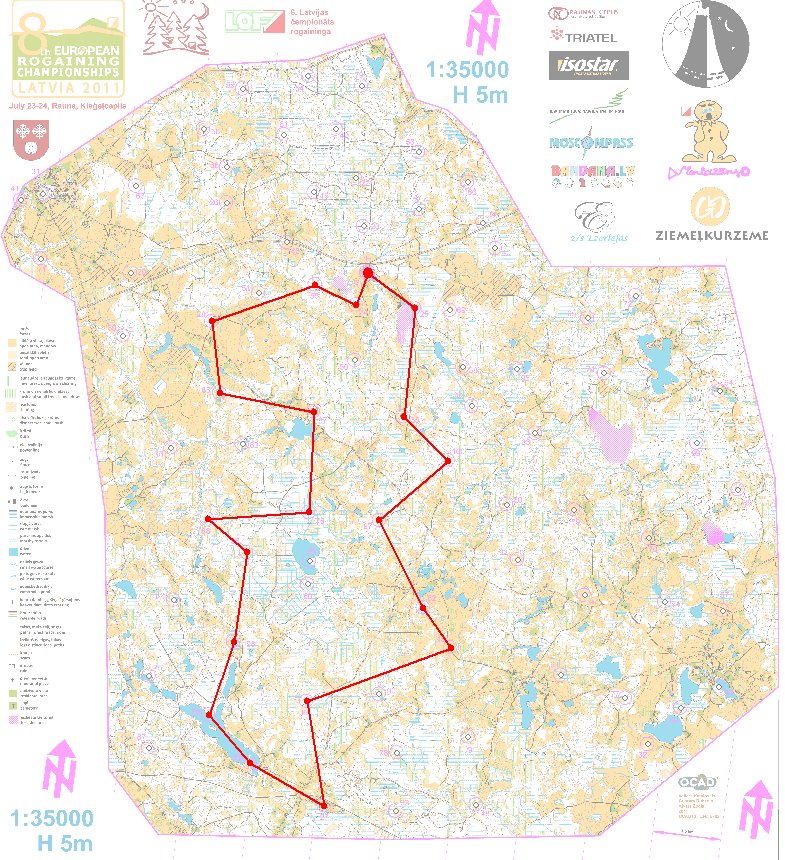
24h Rogaining, Latvia
Update: it seems both persons in our team got infected by Campylobacter from drinking some water from a local well. Lesson: use the water-purification tablets!
Links - 2011 Jul 25
Energy
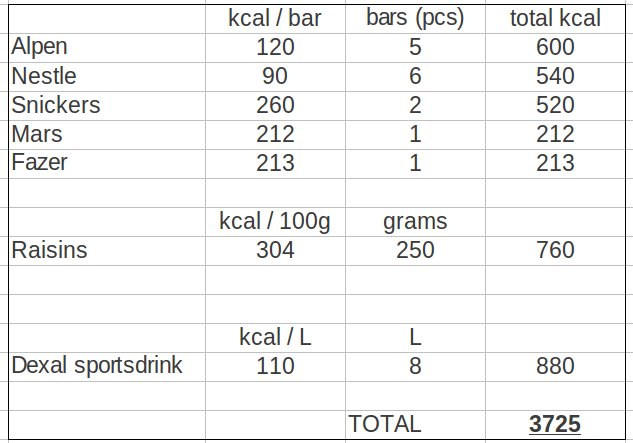
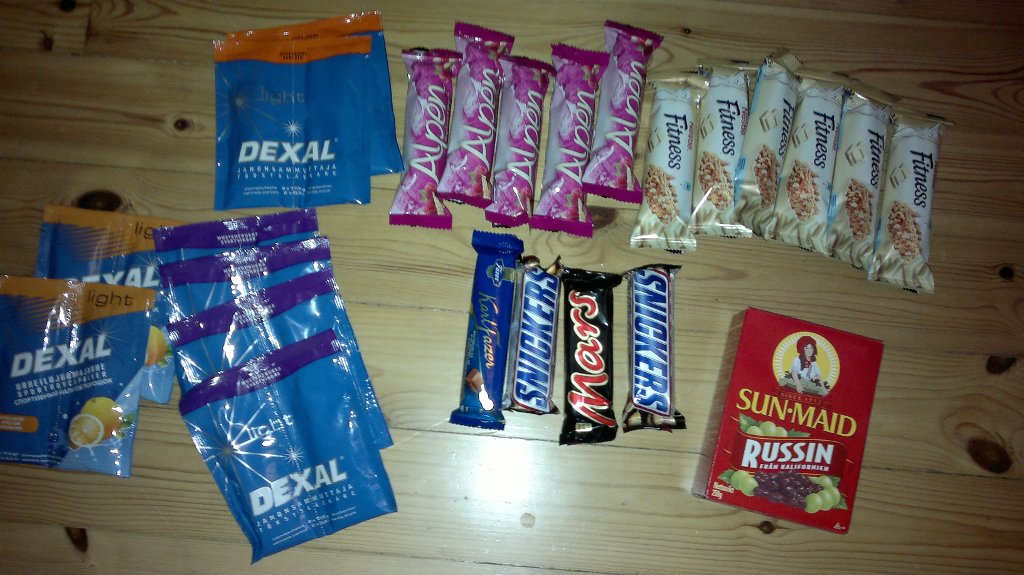
Is 3700 kcals enough energy for a 24-hour hiking/orienteering event?
Links - 2011 Jul 18
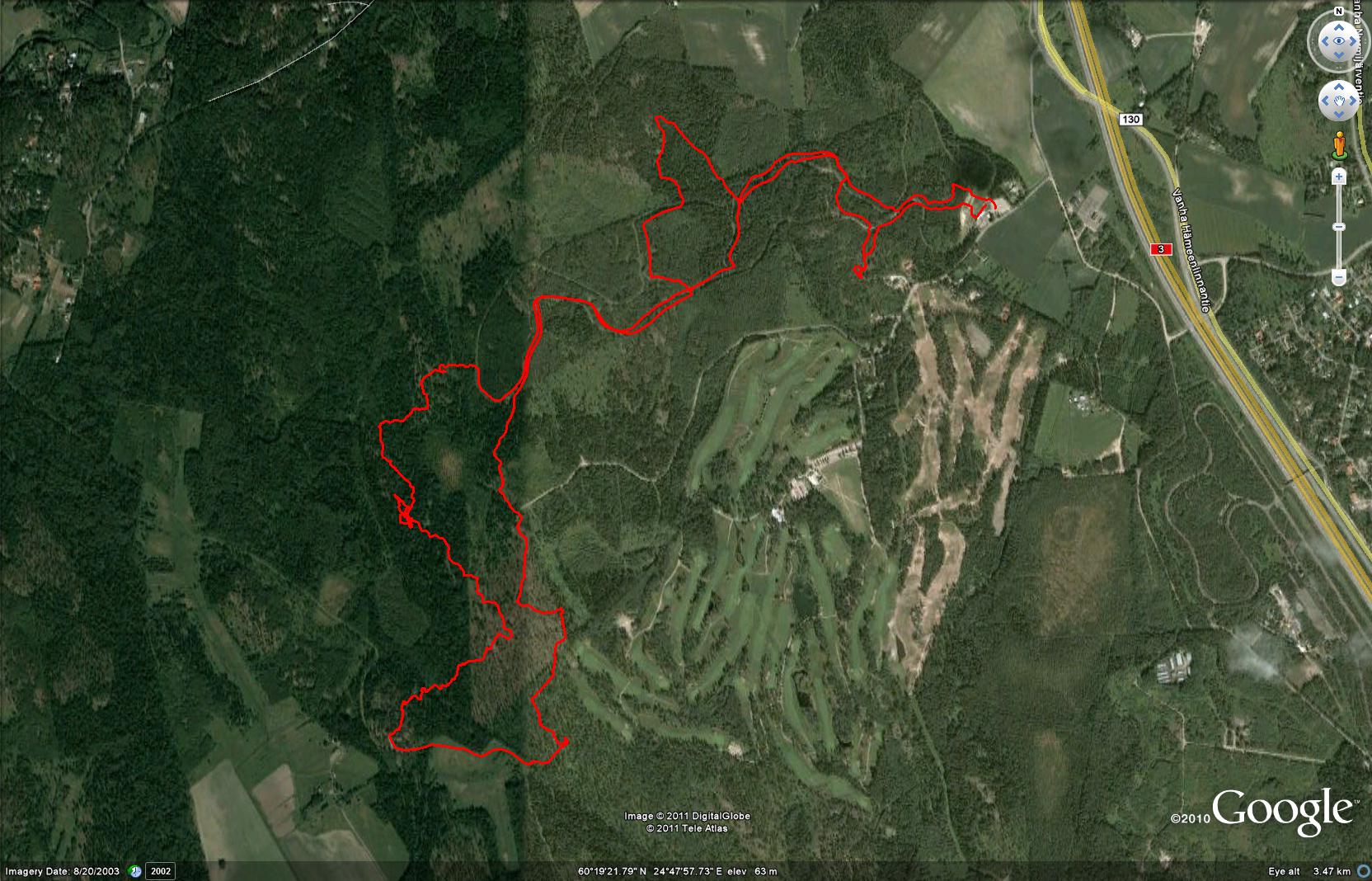
Keimola